

You sit for 8 hours a day. Your back tightens up, energy runs out in the afternoon, and your step counter shows a sad 2,000 steps. Sound familiar? A walking pad can change everything — without your workday suffering. Research shows that just 30 minutes of light walking during the workday improves focus, reduces back pain, and lowers cardiovascular disease risk (Dunstan et al., 2012). This guide shows you how to integrate a walking pad effectively into your desk work routine.
How a Walking Pad Changed My Workday
I've worked remotely for years. Or more precisely: I was a remote desk-sitter. I'd rise from bed, walk three meters to my desk, and sit there for 8–10 hours. By evening I was too tired to train. My step counter often showed fewer than 3,000 steps.
I knew it was unhealthy, but what could I do? An hour-long lunch walk didn't fit my schedule. A standing desk helped a little, but my legs got tired from standing.
Then I tried a walking pad. On the first day I walked 5,000 steps — during meetings. A week later I was at 10,000 steps daily. A month later I noticed: afternoon fatigue had disappeared, my back stopped aching, and I had energy left to train in the evenings.
A walking pad isn't a training device in the traditional sense — it's a lifestyle change that happens without you even noticing.
"A walking pad doesn't replace training, but it turns a passive workday into an active one. 10,000 steps per day — without losing a single minute of work time." – Pietari Risku, Founder of Tsemppi
Table of Contents
- What is a walking pad?
- Health benefits for office workers
- How to choose the right walking pad
- Setting up your walking pad workstation
- Walking pad workout program for office workers
- When to walk, when to sit
- Walking pad during meetings
- Step goals and tracking
- Walking pad vs. standing desk
- Most common mistakes and how to avoid them
- FAQ
- Summary
What Is a Walking Pad?
Definition
A walking pad is a compact, low-profile treadmill designed specifically for walking (not running). It fits under a desk and is quiet enough for a home office.
Walking Pad vs. Traditional Treadmill
| Feature | Walking pad | Traditional treadmill |
|---|---|---|
| Size | Compact, low | Large, tall |
| Max speed | 6–8 km/h | 15–20 km/h |
| Noise level | Quiet | Loud |
| Purpose | Walking while working | Running and walking |
| Price | €200–500 | €500–2,000 |
| Storage | Fits under a bed | Requires dedicated space |
Who Is a Walking Pad Best For?
✅ Excellent for: Remote workers, office workers, people who sit a lot daily, those who want to add daily movement without noticing it.
⚠️ Doesn't replace: Dedicated walking or running workouts, strength training, high-intensity cardio.
Health Benefits for Office Workers
Research Evidence
| Study | Finding |
|---|---|
| Dunstan et al., 2012 | Regular walking breaks reduced blood sugar by 24% |
| Thorp et al., 2014 | Walking while working reduced back pain by 54% |
| Mullane et al., 2017 | Walking desk significantly improved mood and energy levels |
| Creasy et al., 2016 | Walking pad users burned 100–300 kcal more per day |
Physical Benefits
Calorie burn without noticing:
| Activity | Calories/hour (70 kg person) |
|---|---|
| Sitting | 70 kcal |
| Standing | 90 kcal |
| Walking at 3 km/h | 200 kcal |
| Walking at 5 km/h | 280 kcal |
3 hours of walking per day = ~400 extra calories = approximately 0.5 kg of fat per week (theoretically).
Improved posture and reduced pain: Walking activates the back's supporting muscles, improves circulation, reduces muscle tension, and prevents the body from stiffening.
Metabolic boost: Even light movement keeps metabolism active and prevents the "metabolic shutdown" that occurs during prolonged sitting.
Mental Benefits
Research shows light movement improves cognitive performance. During walking, blood flow to the brain improves, dopamine and serotonin increase, and creativity grows. Walking also lowers cortisol levels, activating the parasympathetic nervous system. And paradoxically: movement gives energy. Many walking pad users report afternoon fatigue simply disappearing.
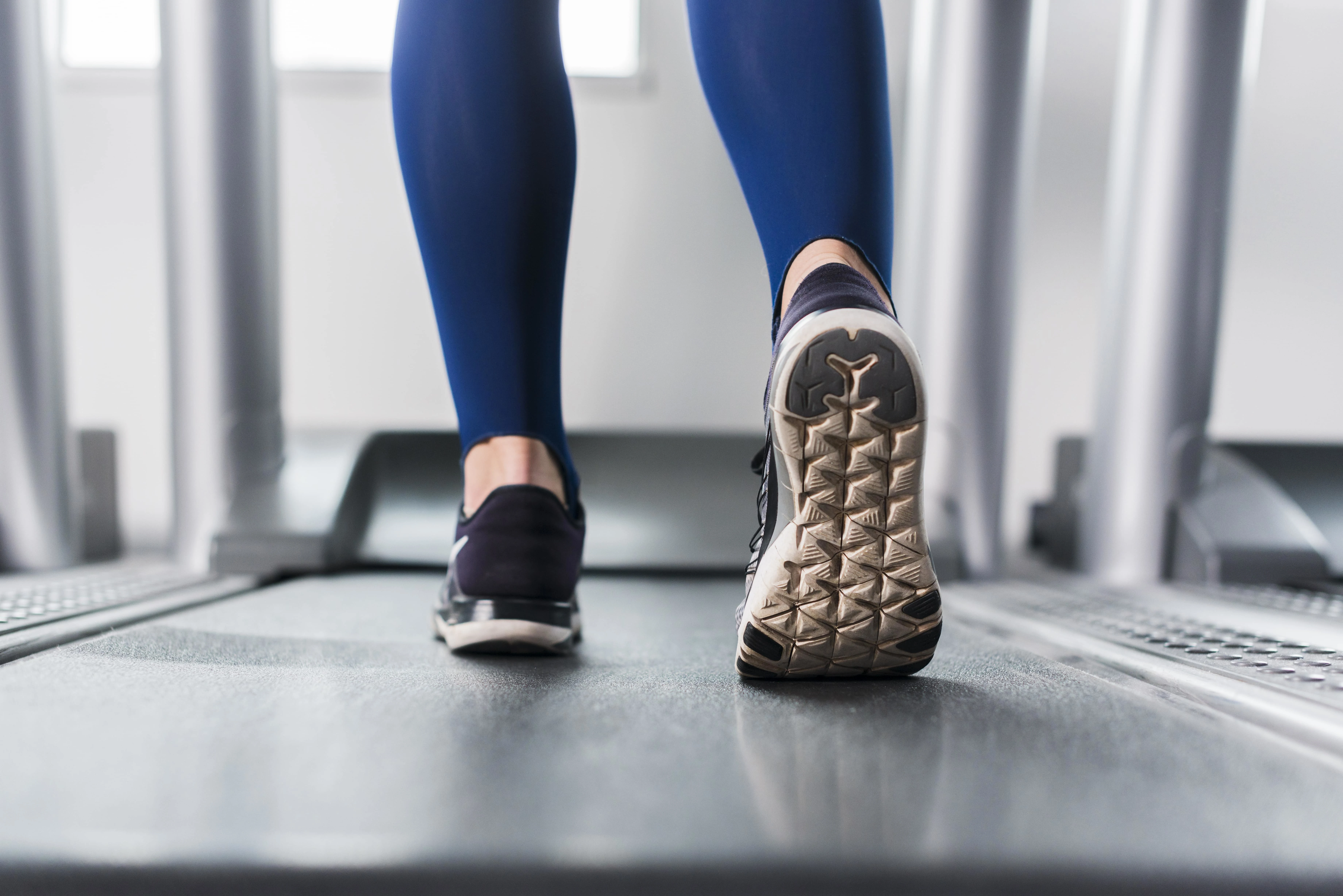 Walking pad at a workstation
A walking pad fits easily under a standing desk and allows you to walk during the workday.
Walking pad at a workstation
A walking pad fits easily under a standing desk and allows you to walk during the workday.
How to Choose the Right Walking Pad
Key Features
| Feature | Recommendation | Why it matters |
|---|---|---|
| Max speed | 6+ km/h | Enough for brisk walking |
| Noise level | Under 50 dB | Won't disrupt calls |
| Belt size | 40×100 cm+ | Natural stride length |
| Max weight | 100+ kg | Durability |
| Foldable | Yes | Easy storage |
Price Tiers
| Tier | Price | Features |
|---|---|---|
| Budget | €150–250 | Basic functions, shorter warranty |
| Mid-range | €250–400 | Quieter, better build quality |
| Premium | €400–600 | Best quality, long warranty, extra features |
Setting Up Your Walking Pad Workstation
Requirements
1. A standing desk or height-adjustable desk
A walking pad is difficult to use with a standard sitting desk. You'll need either an electric standing desk or a separate standing workstation.
2. Enough space
- In front of the walking pad: 50+ cm
- Behind: 100+ cm (safety)
- To the sides: 30+ cm
3. A level surface
A walking pad needs a flat, hard surface to function properly.
Ergonomics
| Element | Position |
|---|---|
| Monitor | At eye level, arm's length away |
| Keyboard | Elbows at 90° |
| Walking pad | Centered under the desk |
| Lighting | Adequate, no glare |
Tip: Use a separate keyboard and mouse — a laptop keyboard is too low when walking.
Estimated Setup Cost
| Component | Price |
|---|---|
| Walking pad | €200–500 |
| Electric desk (if needed) | €300–700 |
| Monitor (if needed) | €150–400 |
| Separate keyboard + mouse | €50–150 |
| Total | €700–1,750 |
Walking Pad Workout Program for Office Workers
Weekly Program: Active Workday
| Time | Activity | Duration | Speed |
|---|---|---|---|
| 08:00–08:30 | Morning walk (warm-up) | 30 min | 3–4 km/h |
| 10:00–10:30 | Meetings/emails while walking | 30 min | 2–3 km/h |
| 12:00–12:30 | Post-lunch movement | 30 min | 4–5 km/h |
| 14:30–15:00 | Afternoon energy boost | 30 min | 3–4 km/h |
| 16:00–16:30 | End-of-day walk | 30 min | 3–4 km/h |
Daily summary: 2.5 hours walking, ~10,000–12,000 steps, ~400–500 kcal burned.
Beginner Program (Weeks 1–2)
| Day | Walking time | Speed |
|---|---|---|
| Mon | 3×15 min | 2–3 km/h |
| Tue | 3×15 min | 2–3 km/h |
| Wed | 3×20 min | 2–3 km/h |
| Thu | 3×20 min | 3 km/h |
| Fri | 3×20 min | 3 km/h |
Weeks 3–4: Increase to 4×20–30 min. Week 5+: Target 2–3 hours per day.
Intensity Levels
| Level | Speed | Best for |
|---|---|---|
| Easy | 2–3 km/h | Calls, meetings, focus-heavy tasks |
| Moderate | 3–4 km/h | Emails, light work |
| Brisk | 4–5 km/h | Breaks, tasks requiring less focus |
| Active | 5–6 km/h | Dedicated walking workout |
Walking Pad + Actual Training
| Day | Workday walking | Training |
|---|---|---|
| Mon | 2h walking pad | Strength session 45 min |
| Tue | 2.5h walking pad | Rest |
| Wed | 2h walking pad | HIIT 20 min |
| Thu | 2.5h walking pad | Rest |
| Fri | 2h walking pad | Strength session 45 min |
| Sat | — | Long walk/outdoor activity |
| Sun | — | Rest |
When to Walk, When to Sit
Walking works well for:
✅ Reading and writing emails, meetings (especially listening), phone calls, watching or learning from videos, routine tasks, brainstorming and ideation.
Sitting or standing works better for:
⚠️ Precision writing requiring intense focus, complex problem solving, detailed design or planning work, video conferences where you're speaking a lot, and when you need complete physical stability.
Optimal Daily Split
| Position | Share of day | Hours (8h workday) |
|---|---|---|
| Walking | 25–35% | 2–3h |
| Standing | 20–30% | 1.5–2.5h |
| Sitting | 35–50% | 3–4h |
Most important: Vary your position regularly. Not 4 hours straight in any one position.
Walking Pad During Meetings
When it works:
✅ Listening meetings (when you don't need to speak much), 1:1 conversations (relaxed atmosphere), regular team standups, phone calls (especially with wireless earbuds).
When it doesn't work:
❌ Presentations (when you're screen-sharing and speaking), important client meetings, technical demos, negotiations.
Tips for Walking Pad Meetings
- Use wireless earbuds — free your hands
- Set a low speed — 2–3 km/h is enough
- Mute your microphone when not speaking (footstep noise)
- Test in advance — verify your camera is at the right height
- Mention it if needed — "I'm walking while we talk, hope that's okay"
 Walking pad health benefits
A walking pad delivers significant health benefits for office workers: more energy, less pain, and better focus.
Walking pad health benefits
A walking pad delivers significant health benefits for office workers: more energy, less pain, and better focus.
Step Goals and Tracking
Step Goals
| Level | Daily steps | Walking pad contribution |
|---|---|---|
| Minimum | 7,500 | 5,000 |
| Recommended | 10,000 | 7,000–8,000 |
| Optimal | 12,000–15,000 | 10,000+ |
How to Track
A smartwatch or fitness tracker gives the most accurate data (heart rate, calories, steps). Most phones also have a built-in step counter as a free alternative.
Walking Pad vs. Standing Desk
Comparison
| Feature | Walking pad | Standing desk |
|---|---|---|
| Calorie burn | High (~200 kcal/h) | Low (~90 kcal/h) |
| Circulation | Excellent | Moderate |
| Leg fatigue | Low (movement) | Common (static) |
| Focus | Varies | Good |
| Price | Higher | Lower |
| Noise | Some | None |
Best Combination
Use both: walking pad for routine tasks and meetings, standing for focus-intensive work, and sitting for precise work and breaks.
Most Common Mistakes and How to Avoid Them
1. Starting Too Aggressively
Three hours on day one → sore feet, enthusiasm crashes. Fix: start at 30–60 min/day and increase gradually.
2. Speed Too High
Walking at 5+ km/h while working → can't concentrate, getting out of breath. Fix: 2–4 km/h is sufficient during work. Faster pace on breaks.
3. Poor Ergonomics
Monitor at the wrong height, poor posture → neck and back pain. Fix: set up the workstation correctly before you start.
4. Trying to Walk Through All Tasks
Attempting to walk during precision-focused work → work quality suffers. Fix: choose tasks where walking genuinely works.
5. No Breaks
Three hours of continuous walking without a break → feet fatigue, focus fades. Fix: 25–30 min of walking, then a break or position change.
6. Wrong Footwear
Walking in socks or poor shoes → sore feet, poor balance. Fix: light indoor shoes or athletic trainers.
FAQ
Does a walking pad disrupt concentration?
It can feel odd at first, but most people adjust within 1–2 weeks. Choose the right tasks — walking suits routine work, not tasks requiring deep thought.
How much electricity does a walking pad use?
Typically 0.5–1.5 kWh per day (3 hours of use). Your electricity bill rises by a few euros per month.
Can I use a walking pad barefoot?
Not recommended. Use light indoor shoes or trainers for support and hygiene.
Is a walking pad audible during meetings?
A very quiet walking pad isn't audible, especially if you use earbuds. Test in advance and mute your mic when not speaking.
Does a walking pad replace actual training?
No. A walking pad is low-intensity daily movement. It complements — but doesn't replace — strength training and high-intensity cardio.
How long a warranty should a walking pad have?
At least 1–2 years. Premium models often come with 3–5 years.
Can a walking pad be used for running?
Most walking pads are designed only for walking (max 6–8 km/h). You'll need a conventional treadmill for running.
Summary
A walking pad is a simple way to turn a passive workday into an active one. It doesn't replace training, but it complements it significantly — and the benefits show in both health and work performance.
Key takeaways:
- Start easy — 30–60 min/day in the first week
- Appropriate speed — 2–4 km/h while working is enough
- Choose your tasks — walking suits routine work, not everything
- Get the ergonomics right — standing desk and correct monitor height
- Target: 10,000 steps per day
- Complement with training — walking pad + strength training = optimal combination
- Give it time — 1–2 weeks to adjust
References
-
Dunstan, D.W., et al. (2012). Breaking up prolonged sitting reduces postprandial glucose and insulin responses. Diabetes Care, 35(5), 976-983. PubMed
-
Thorp, A.A., et al. (2014). Prolonged sedentary time and physical activity in workplace and non-work contexts. International Journal of Behavioral Nutrition and Physical Activity, 11(1), 124. PubMed
-
Mullane, S.L., et al. (2017). Acute effects on cognitive performance following bouts of standing and light-intensity physical activity. Ergonomics, 60(11), 1489-1498. PubMed
-
Creasy, S.A., et al. (2016). Energy Expenditure During Acute Periods of Sitting, Standing, and Walking. Journal of Physical Activity and Health, 13(6), 573-578. PubMed
-
Tudor-Locke, C., et al. (2011). How many steps/day are enough? For adults. International Journal of Behavioral Nutrition and Physical Activity, 8, 79. PubMed
Want a personalized training program that complements your active workday? Join Tsemppi — the AI creates a customized program that accounts for both your walking pad activity and your dedicated training sessions. Start your 7-day free trial today, no credit card required.


